Capture a subprocess timeout and its useful error output
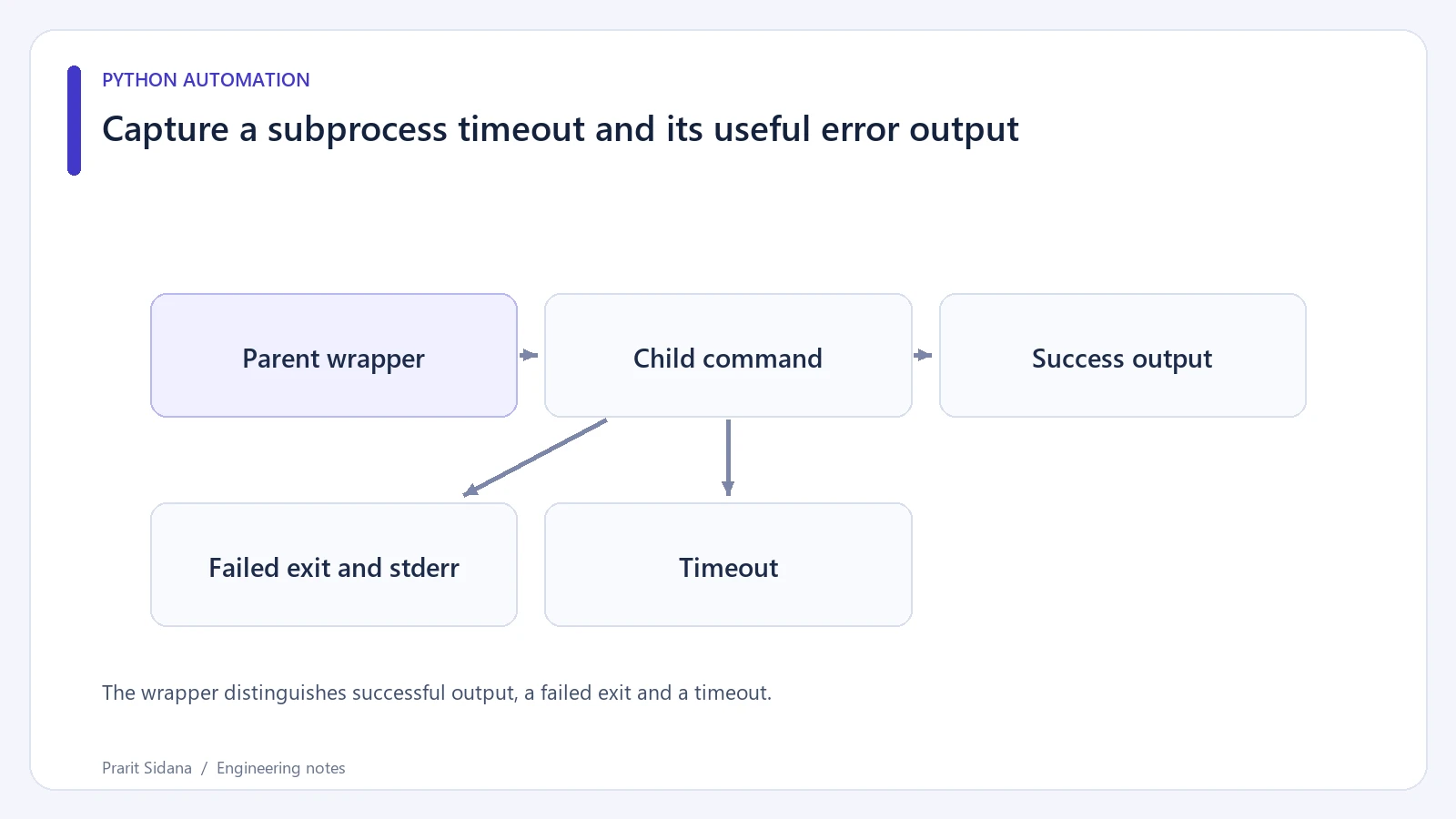
A subprocess can fail before producing an output file, or remain alive while the parent waits indefinitely. Treat exit status, timeout and diagnostic output as separate results. A blank destination file does not establish that the tool succeeded.
The wrapper distinguishes successful output, a failed exit and a timeout.
Supervise a small child process
The following example runs Python itself as a harmless stand-in for an encoder. The child writes a diagnostic and exits with an error.
import subprocess
import sys

def run_child(source):
    try:
        result = subprocess.run(
            [sys.executable, "-c", source],
            capture_output=True,
            text=True,
            timeout=2,
            check=True,
        )
    except subprocess.TimeoutExpired as error:
        return {"status": "timeout", "detail": str(error)}
    except subprocess.CalledProcessError as error:
        return {
            "status": "failed",
            "code": error.returncode,
            "detail": (error.stderr or "")[-1000:],
        }
    return {"status": "ok", "output": result.stdout}

print(run_child(
    "import sys; print('bad fixture', file=sys.stderr); sys.exit(3)"
))
Arguments are passed as a list with the shell disabled. That avoids interpreting an input filename as shell syntax. It does not make arbitrary executable paths safe; choose the executable from trusted application configuration.
The returned status distinguishes a deliberate child failure from a timeout. A UI can display a short explanation while retaining an appropriately redacted diagnostic for an operator. Do not show a complete command containing credentials.
Bound the capture strategy
Slicing stderr after completion limits the displayed text, but capture_output still buffers the child's full output in memory. A tool that emits unlimited logs needs a different approach, such as writing to a scoped temporary file or reading streams continuously with bounded storage.
For a real encode, check that the expected output exists and is valid after the command succeeds. Exit code zero alone does not prove the application received the media format it asked for. Write exports to a temporary path and expose them only after validation.
Exercise the wrapper with a successful child, an exit-code-three child and a sleeping child that exceeds the timeout. Inspect cleanup on the target operating system. Supervising one process is different from terminating every descendant it may have started.
A failure diagnostic should name the processing stage so an operator can distinguish probing from encoding without inspecting the entire command.
This is related to subprocess orchestration in ShortForge. The behavior of run(), captured output and timeouts is specified in Python's subprocess documentation.