Check public asset paths after deploying under a subpath
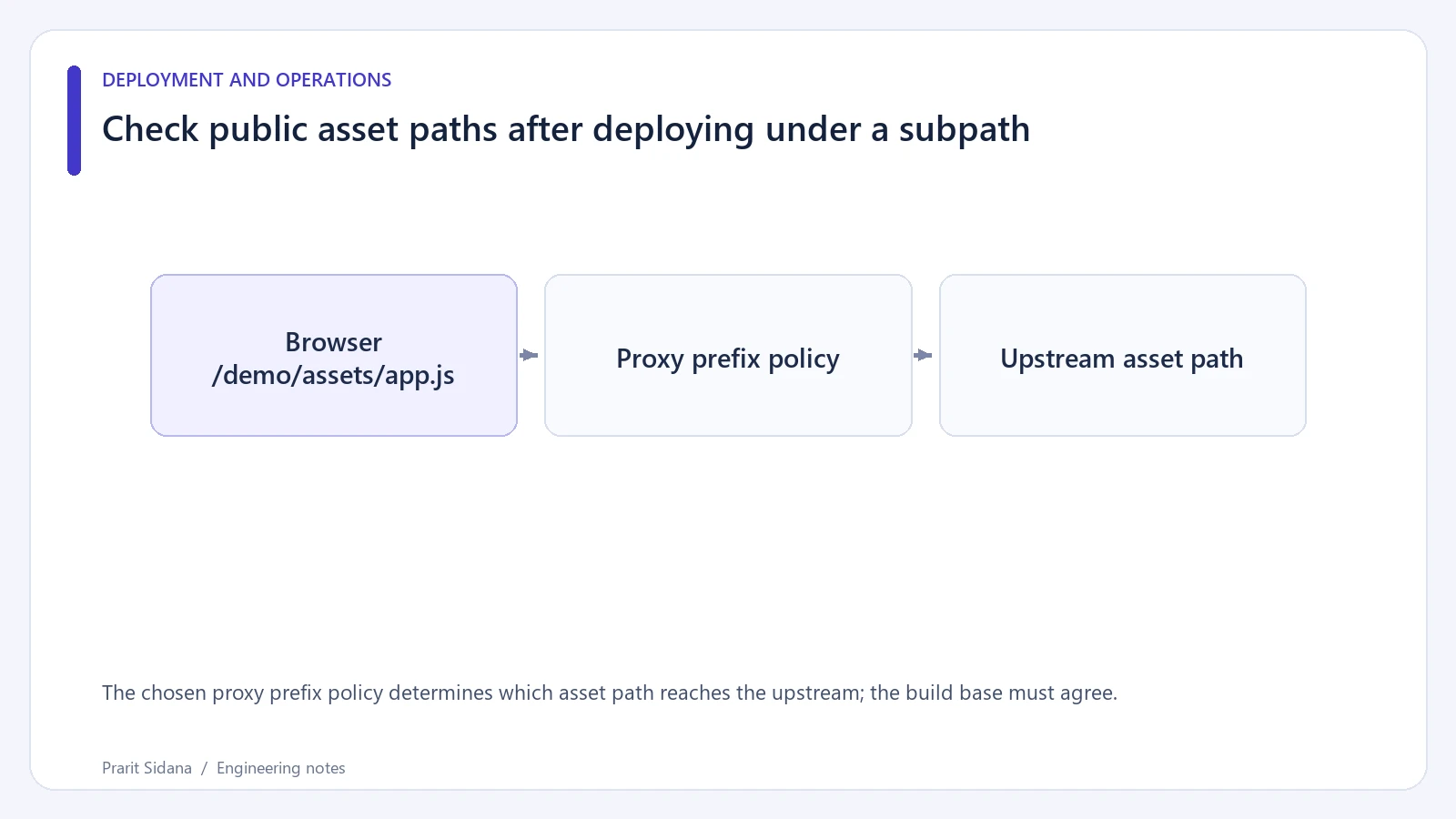
An application that works at / can break when hosted at /demo/. A generated script path such as /assets/main.js points to the origin root, while the deployment may serve assets only below /demo/assets/. Inspect generated URLs and proxy rewriting together before assuming that a missing asset is a build failure.
Define the path mapping
These two Nginx examples intentionally differ. They are illustrative alternatives, not a combined configuration to paste into one server.
# Strip /demo/ before forwarding.
location /demo/ {
    proxy_pass http://127.0.0.1:8097/;
}
# Preserve the request path.
location /demo/ {
    proxy_pass http://127.0.0.1:8097;
}
For an ordinary prefix location, a URI in proxy_pass replaces the matching location portion. Without that URI, the upstream receives the original path in the usual case. Nginx documents exceptions around rewrites and other location types; test the exact configuration you deploy.
The chosen proxy prefix policy determines which asset path reaches the upstream; the build base must agree.
Check every public resource category
Request /demo/ and inspect its script and stylesheet URLs. Follow those URLs with an HTTP client and verify both status and content type. A proxy that returns the application's HTML shell for a missing script can produce a confusing JavaScript parsing error in the browser.
Next, request a deep route directly and reload it. Check that navigation, image URLs and API calls still use the intended prefix. A client-side link can work after the app starts while a direct request to the same page fails at the proxy. Absolute URLs and leading-slash paths deserve separate attention because they resolve differently from relative paths.
Keep the test deployment isolated
Use a disposable /demo/ deployment with a visible build marker, then record the public URL and upstream path for each request. Test the trailing-slash redirect too. Redirect loops can occur when the application adds a slash that the proxy removes on every request.
The configuration fragments above were reviewed without running Nginx in the authoring environment. They do not establish a universal subpath configuration for every frontend bundler or framework. The build's base path and the application router must agree with the proxy mapping. Reference: Nginx proxy module. More deployment diagnostics are available in the engineering blog.