Debounce a search input without delaying its visible value
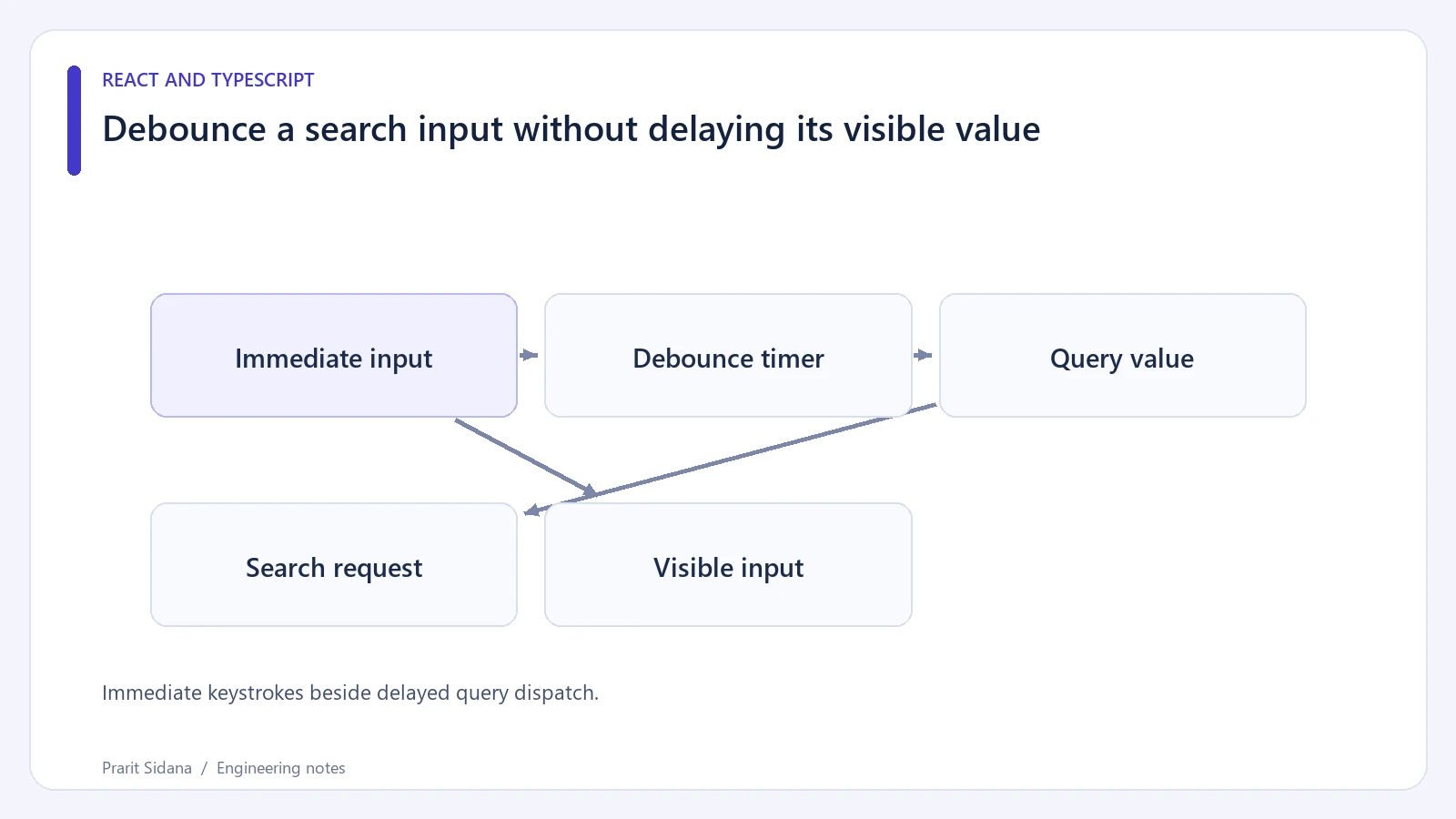
A controlled search input should update as the user types. Debouncing the value shown in the input makes typing feel broken because characters appear late. Keep the visible value immediate and delay the work triggered by that value.
A small React component can hold the raw input and a debounced query separately:
const [input, setInput] = useState("");
const [query, setQuery] = useState("");

useEffect(() => {
  const timer = setTimeout(() => setQuery(input), 250);
  return () => clearTimeout(timer);
}, [input]);
Bind the input's value to input and set it synchronously from onChange. Trigger searching from query. The 250-millisecond delay is an illustrative product choice, not a universal recommendation.
The useEffect documentation explains cleanup when dependencies change. Clearing the previous timer means only a period without further changes publishes the latest input value.
Immediate keystrokes beside delayed query dispatch.
Observe two different clocks
In a local fixture, log input changes and search starts with timestamps. Type several characters quickly. The field should show each character immediately, while the query should update after the pause. Then type slowly enough that every pause exceeds the delay. Multiple requests are expected under that pattern.
A pending search can still return after a newer search. Debounce reduces how often requests start; it does not establish which response is current. Use cleanup and an AbortController, with a request identity or active flag to prevent stale state updates.
Choose a clear blank-query policy. If clearing the field must remove results immediately, do that as part of the input behavior or represent the distinction in the render logic. Otherwise the screen may show unrelated results for the duration of the debounce interval.
Preserve other interactions
Pressing Enter can mean "search now". If the product supports that action, cancel the pending timer or design an explicit submit path so Enter does not cause an immediate request followed by a duplicate delayed request.
Input composition deserves testing with the languages the product supports. A user composing characters may produce intermediate input values that are unsuitable queries. Handle composition events when the desired behavior is to wait until composition ends.
The timer does not limit server-side request cost, provide caching or make unavailable results accessible. Add a useful loading status and a recoverable error state. When a framework already owns search parameters and request cancellation, integrate the delay into that data flow to avoid maintaining two competing query sources.