Define a TypeScript union for asynchronous UI states
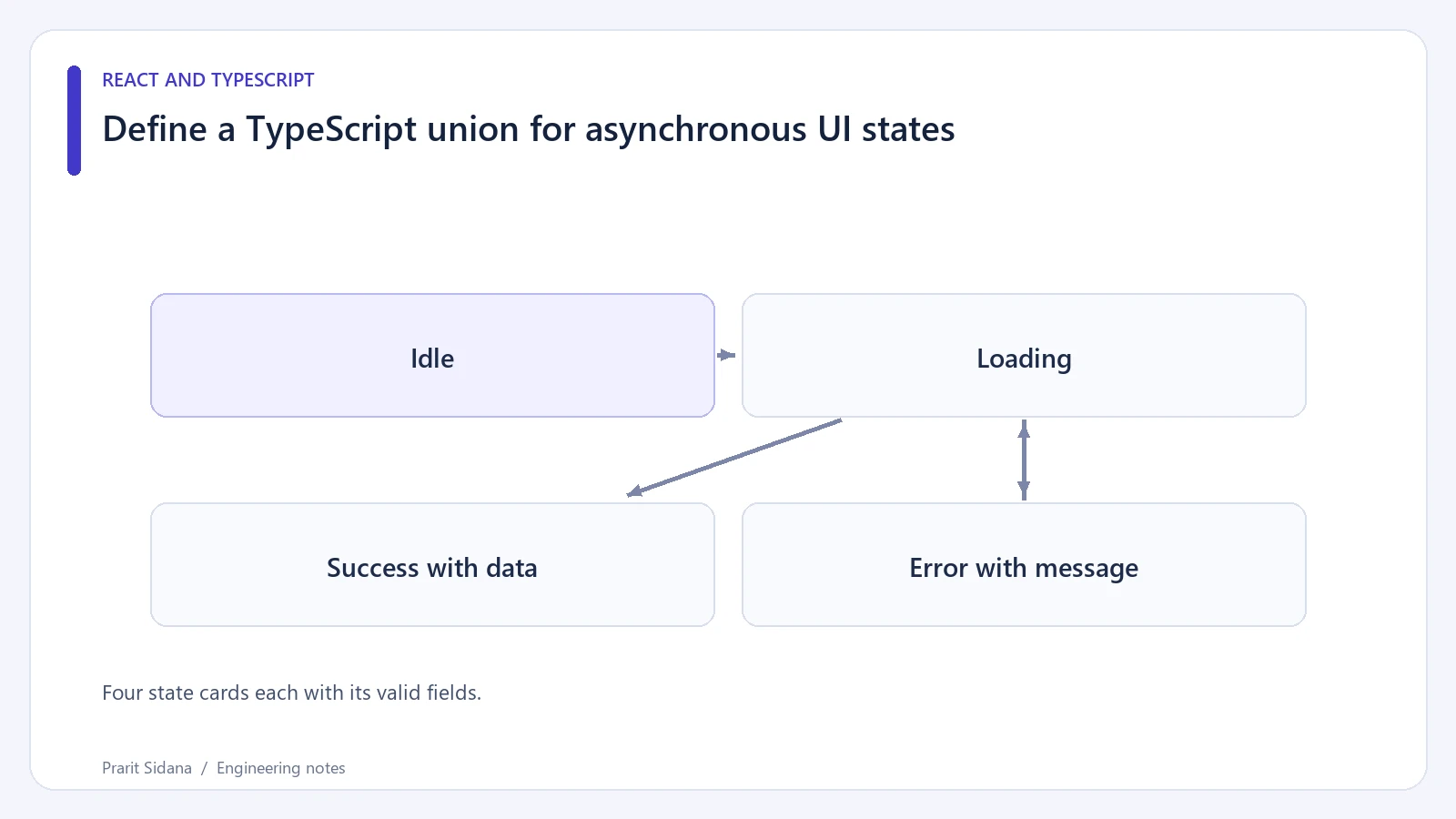
Several independent booleans can describe an impossible asynchronous interface. A component may accidentally have loading = true, an old error message and new data at the same time. A discriminated union makes the permitted combinations explicit.
For a synthetic project loader, start with four states:
type Project = { id: string; name: string };

type LoadState =
  | { status: "idle" }
  | { status: "loading" }
  | { status: "success"; data: Project[] }
  | { status: "error"; message: string };

function describe(state: LoadState): string {
  switch (state.status) {
    case "idle": return "Choose a project";
    case "loading": return "Loading projects";
    case "success": return state.data.length + " projects";
    case "error": return state.message;
    default: {
      const unreachable: never = state;
      return unreachable;
    }
  }
}
The literal status field selects a variant. Accessing state.data inside the success branch is valid because TypeScript has narrowed the value. The TypeScript narrowing handbook documents discriminated unions and exhaustiveness checks with never.
Four state cards each with its valid fields.
Model a real refresh separately
An empty successful array belongs to the success variant. It means the request completed and returned no projects. It should not send the user back to the initial "choose" screen.
Background refresh is another decision. If the UI keeps old data visible while fetching an update, the four-state model is too simple. Add an explicit refreshing variant containing the displayed data, or let a data library represent fetch activity separately from data availability. Choose that shape from the intended screen behavior.
A union also does not serialize requests. If request A finishes after request B, both responses may still set a valid success state while A contains stale data. Use a request identity or cancellation boundary to determine which response may update the state.
Exercise every variant in a small component fixture. Verify idle text, loading announcement, a successful empty list and a useful error message. Then add a temporary cancelled variant. The exhaustiveness check should point out that describe needs another branch.
TypeScript checks values inside the typed program. A JSON response arriving over the network has not earned the Project[] type merely because a type assertion says so. Validate that boundary at runtime, then convert the validated result into a success variant.
Keep exceptions and user-facing error messages separate. A raw stack trace may contain internal details, while a single "something failed" message gives the reader no recovery path. The state should contain the information the view needs to explain what happened and what the user can do next.