Explain what Electron safeStorage protects on Windows
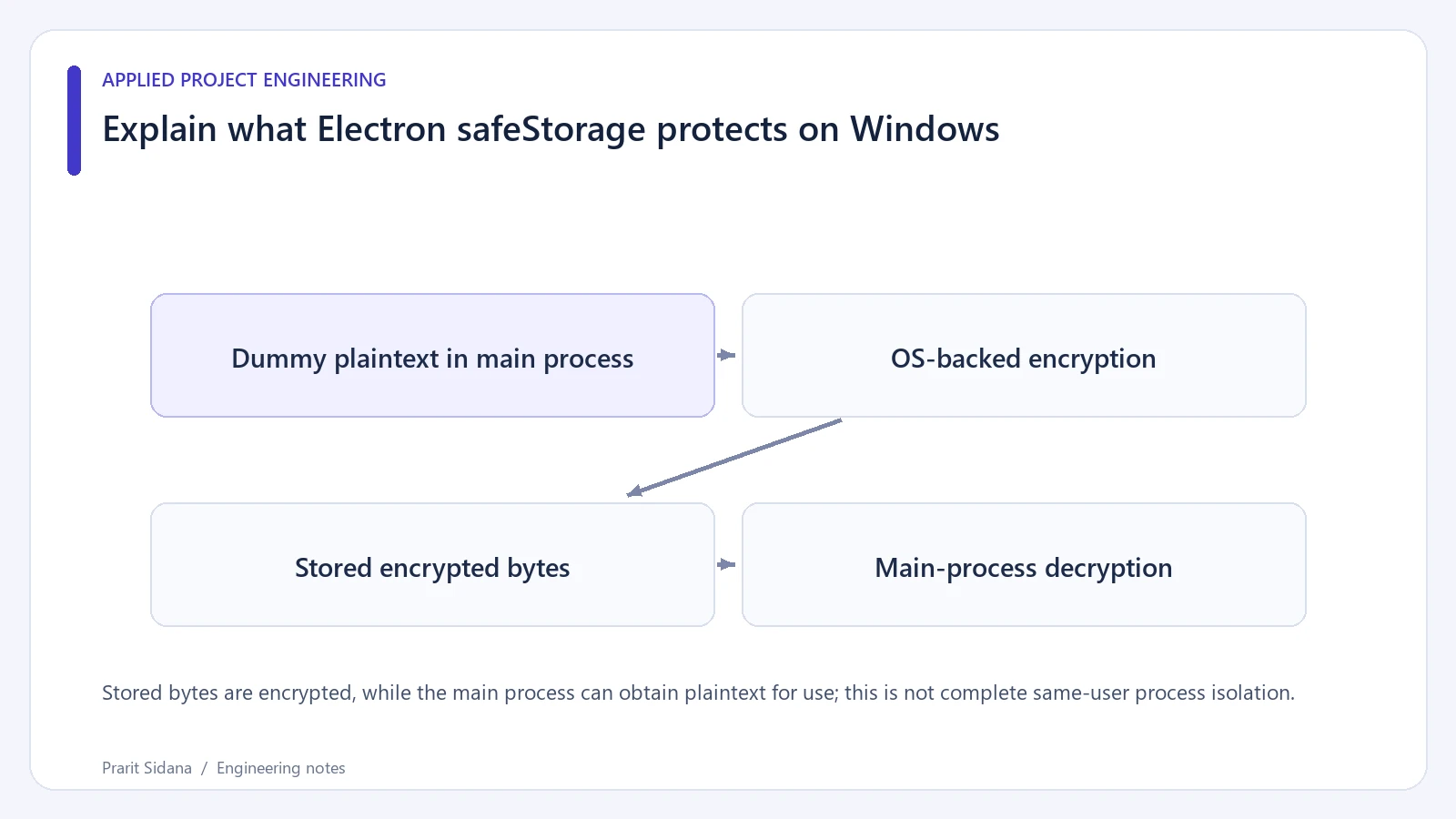
A desktop application can encrypt a stored API key and still need to decrypt it when making a request. Explain both states when describing Electron safeStorage to desktop application users. On Windows, the documented DPAPI protection does not isolate a value from every program running as the same user.
Check the API version first
Electron's current documentation deprecates the synchronous safeStorage methods and documents asynchronous alternatives. The following main-process example assumes a version that supports those alternatives. Use a dummy value only.
const { app, safeStorage } = require('electron');
app.whenReady().then(async () => {
  if (!(await safeStorage.isAsyncEncryptionAvailable())) {
    throw new Error('Encryption unavailable');
  }
  const encrypted = await safeStorage.encryptStringAsync('dummy-token');
  const decrypted = await safeStorage.decryptStringAsync(encrypted);
  if (decrypted.result !== 'dummy-token') throw new Error('Round trip failed');
});
The encrypted value is a Buffer. A storage layer must preserve its bytes and handle a failed read or decrypt operation. The example intentionally does not print plaintext or save a real credential. It was checked against the documented signatures without running an Electron instance.
Stored bytes are encrypted, while the main process can obtain plaintext for use; this is not complete same-user process isolation.
Describe the protection boundary
Encryption at rest changes what a copied storage file contains. It does not keep the plaintext out of the application's memory after decryption. The main process and any code that can cause it to reveal secrets still matter. A renderer should receive only the results it needs, through a restricted interface.
The Windows documentation boundary is different from a promise of protection against malware, an administrator or every same-user process. Use language that matches that scope. For other operating systems, read the platform-specific provider notes instead of carrying the Windows statement over unchanged.
Plan for failure and migration
Test a dummy value across application restarts and upgrades on a supported Windows test machine. Also test a corrupted buffer and a missing storage file. Decide how the UI asks the user to re-enter a value without logging the old one. Newer asynchronous APIs expose additional rotation-related information; follow the installed version's documented return shape.
ShortForge describes a main-process storage boundary, but a project description alone does not verify every threat scenario. References: Electron safeStorage and Electron security.