Keep deployment secrets out of a Docker image
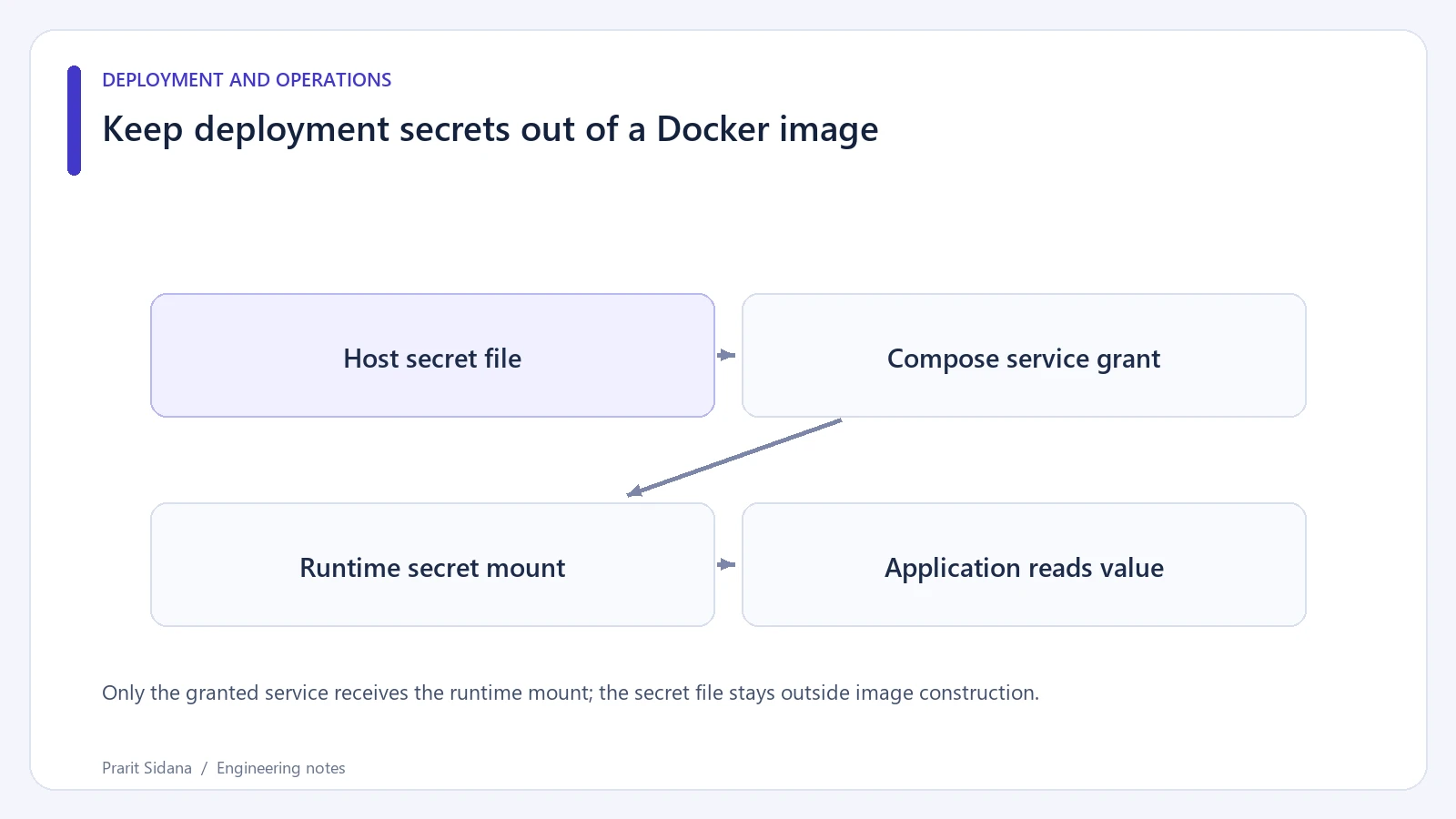
A credential copied during a Docker build can remain in the resulting image history or a previous layer. Removing the visible file in a later instruction does not establish that the image is safe to distribute. Keep deployment credentials outside the build context and supply them only when the container starts.
Mount a runtime file
This example uses a dummy application secret and an illustrative image name. The application must explicitly read the mounted file; defining a secret does not teach an arbitrary application how to consume it.
services:
  app:
    image: example-app:reviewed
    secrets:
      - app_token
secrets:
  app_token:
    file: ./runtime-secrets/app_token.txt
Compose grants this service access to /run/secrets/app_token. Restrict access to the source file on the host and keep the directory outside version control and image build inputs. A .dockerignore entry is useful defense against accidental inclusion, but an unrestricted build script can still read files from other locations.
Only the granted service receives the runtime mount; the secret file stays outside image construction.
Check where the value travels
Use an unmistakable dummy string during a disposable exercise. Build the image without the secret file, run it with the mount, and make the application report only whether a value was read. Never print the value to prove that the mount works. Inspect the Dockerfile for ARG, ENV and copy instructions that reference credentials.
Review generated artifacts as well. A test that scans one visible filesystem layer can miss build logs, cached outputs or an exported intermediate stage. If an actual secret entered an image or public build log, rotate it using the provider's process and review exposure; deleting a local file does not reverse the disclosure.
Define rotation behavior
Decide when the process reads the file. Reading once at startup means changing the host file alone may leave the old value in memory. Document the required restart or reload, then verify it with dummy values. Restrict which services receive each secret instead of attaching every secret to every container.
This Compose example was reviewed against the documentation; Docker was unavailable during authoring, so no image inspection or runtime rotation was performed. It also does not promise encrypted storage on the host. File permissions, host access, backups and the application's logging behavior remain part of the deployment design.
The Docker Compose secrets guide documents service-specific access and file mounts. For the application side, write a small failure test that starts with the file missing and verifies a clear startup error without exposing credentials.