Make small gzip output reproducible
AI assisted the preparation of this article, and its Python example was tested locally with synthetic fixtures.
Two gzip files can decompress to the same bytes while their compressed bytes differ. The gzip header can include a timestamp, so a build that compares file hashes needs to control that input as well as the data and compression settings.
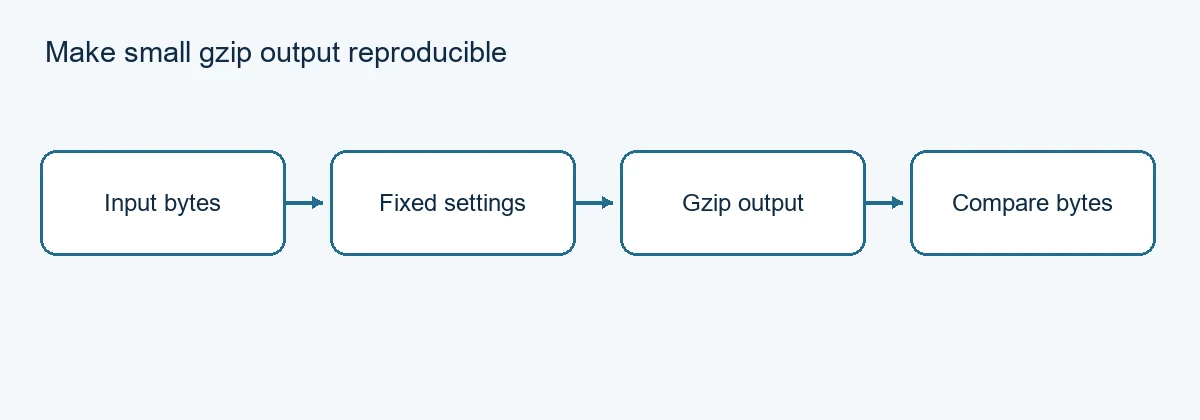
Flow: Input bytes, then Fixed settings, then Gzip output, then Compare bytes.
Set the timestamp explicitly
For a small in-memory report, use the same input bytes, compression level and timestamp each time. This example uses mtime=0, so its output does not depend on the time of the call.
import gzip

def compress_report(data):
    return gzip.compress(data, compresslevel=9, mtime=0)
Run it twice with the same synthetic bytes and compare the resulting byte strings. Decompress one output and compare it with the original input. These checks answer two different questions: whether this environment repeated the same artifact, and whether that artifact contains the expected data.
To see why the timestamp matters, use gzip.compress twice with the same input and level but deliberately set mtime=1 and mtime=2. The gzip headers differ, although both streams decompress to the same bytes. This is a controlled demonstration; do not infer a difference in the underlying report.
Record the environment with the result
The fixture for this article ran on CPython 3.13.5 with zlib 1.3.1 at compression level 9. Python 3.13 documents an OS header byte guarantee for gzip.compress; earlier 3.11 and 3.12 behavior could differ with the underlying zlib. Python 3.14 changed the default mtime for this function. Passing it explicitly keeps the intent visible across those versions.
A fixed timestamp is one input to reproducibility. Different compressor versions, compression levels, platforms or implementations can still produce different valid compressed bytes. Pin and record the environment before using byte equality as a release check. The example does not claim equality across those environments.
Corrupt or truncated compressed data should fail decompression in a test. Treat an unexpected error as a failed artifact check, not as an empty report. A checksum can reveal accidental changes but is not a signature or proof of the producer's identity.
gzip.compress holds the input and result in memory. Choose a streaming workflow for larger data and test its own metadata settings separately. This snippet does not write or atomically replace a file. See the Python 3.13 gzip reference for the versioned behavior.