Recover a WebSocket-driven React inbox after reconnect
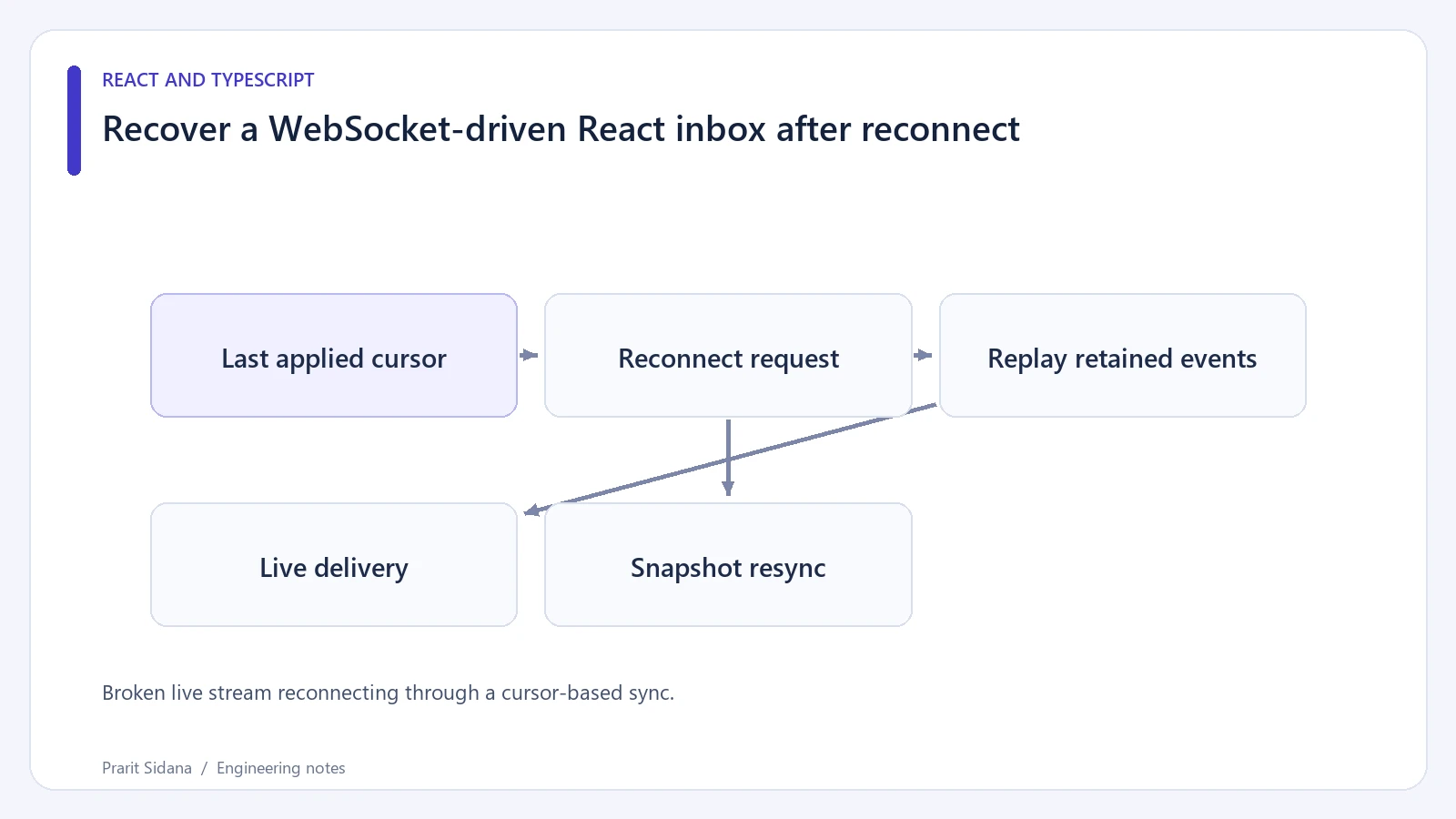
A WebSocket connection can deliver new inbox events while it is open. Reopening the connection after a network interruption does not automatically deliver every event missed during that interruption. Recovery needs an application protocol that can identify a gap.
For a synthetic inbox, give each server event a monotonically increasing sequence within a defined stream. The client stores the last sequence it has applied. After reconnecting, it asks the server to resume after that cursor.
For example, a client last applied event 108. While it was disconnected, events 109 and 110 arrived. A resume request containing cursor 108 lets the server return the missing events before switching the connection to live delivery. These numbers describe a proposed fixture, not a measured service.
The WebSocket API reference documents the browser connection and its events. Replay cursors and event retention are additional application responsibilities.
Broken live stream reconnecting through a cursor-based sync.
Make replay and live delivery meet safely
The transition needs a consistent boundary. If the server fetches missed events and only then starts listening for new ones, an event arriving between those operations may be lost. A server can establish a subscription first and reconcile its buffered events with the replay, or use a durable stream that supplies a cursor-based read.
Deduplicate by stable event identity. A reconnect may replay an event that the client already applied just before the disconnect. For a "set unread count to 7" event, repeated application has a different consequence from an "increment unread count" event. Prefer operations whose repeated handling is defined, and test them.
If a cursor is older than the server's retention window, return an explicit resynchronization response. The client should fetch an authoritative inbox snapshot and establish a new cursor. Silently resuming from the earliest retained event can leave the displayed inbox incomplete.
Exercise the interruption
Use a disposable local server with a short event log. Disconnect the browser, generate events, then reconnect. Compare the final client inbox with a fresh server snapshot. Repeat with duplicate events, an expired cursor and a connection that drops during replay.
Use bounded reconnect delays with jitter so many clients do not retry together after an outage. Stop or reset attempts when the user signs out, and discard data belonging to the previous account.
A single sequence for an entire inbox may be convenient, but multiple partitions require a cursor per partition or another explicit ordering rule. This design does not promise exactly-once delivery. Its goal is a recoverable, testable view despite interruption, with server authorization checked for both replay and live events.