Release object URLs after a React upload preview
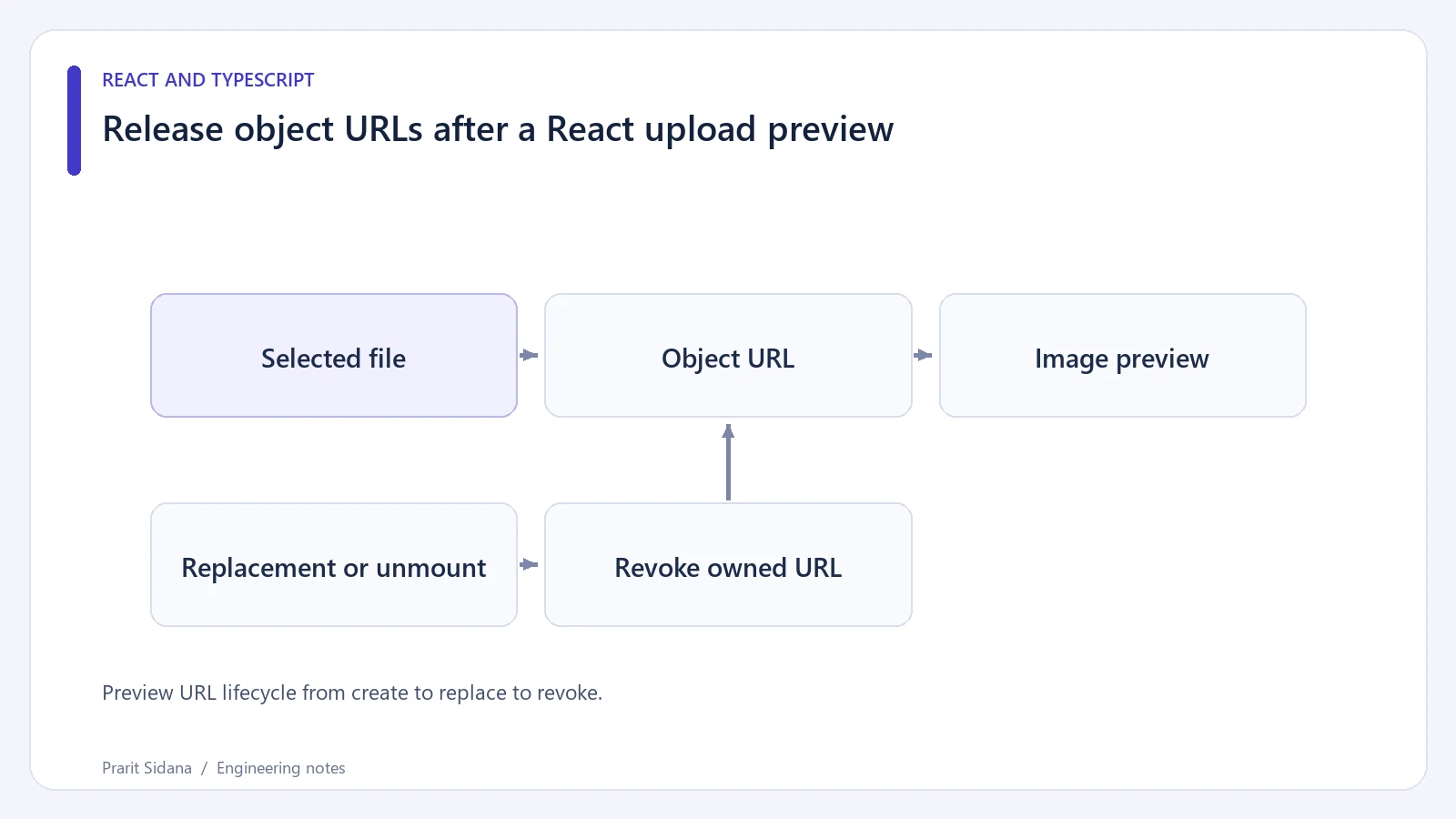
A browser object URL lets an image element display a selected local file without uploading it first. Each URL also keeps its backing object available until the browser releases it. Replacing the preview should release the URL that the previous preview owned.
In a React component, an Effect can pair creation with cleanup:
useEffect(() => {
  if (!file) {
    setPreviewUrl(null);
    return;
  }
  const url = URL.createObjectURL(file);
  setPreviewUrl(url);
  return () => URL.revokeObjectURL(url);
}, [file]);
The excerpt assumes file is a selected File or null and previewUrl is local state. Render the image only when its URL exists. The cleanup captures its own url; it does not read a later state value that may already refer to another file.
MDN documents creating an object URL and revoking it. Revocation releases the URL reference. It does not delete the user's original file.
Preview URL lifecycle from create to replace to revoke.
Check replacement and removal
Choose image A, then image B, then clear the selection. Instrument the two URL methods in a local browser fixture to record each allocated URL and each cleanup. Every URL created for an abandoned preview should eventually have a matching revoke call. Unmount the component while an image is displayed and check that its current URL is released too.
Do not revoke a URL immediately after assigning it if the interface still needs it. Loading the image, opening it in another tab or downloading it may require the resource to remain available. Tie revocation to the preview's actual lifetime.
During an Effect-based update, React can briefly retain the previous preview value while the new Effect runs. A finished component should avoid displaying a revoked old URL as though it belonged to the newly selected file. One option is to associate the stored preview with the exact File and render only when that identity matches the current selection.
Keep file checks separate
The file input's accepted types help users choose an image, but they do not establish that uploaded content is safe. Enforce the application's size and format rules at the upload boundary and validate the bytes on the server when an upload occurs.
Creating an object URL is local preview work. It does not send the file to a service, persist it across reloads or guarantee that an image decoder can read it. Provide a visible preview-error state and preserve the original file selection so the user can retry or choose a different image.