Reset a React editor when its record changes
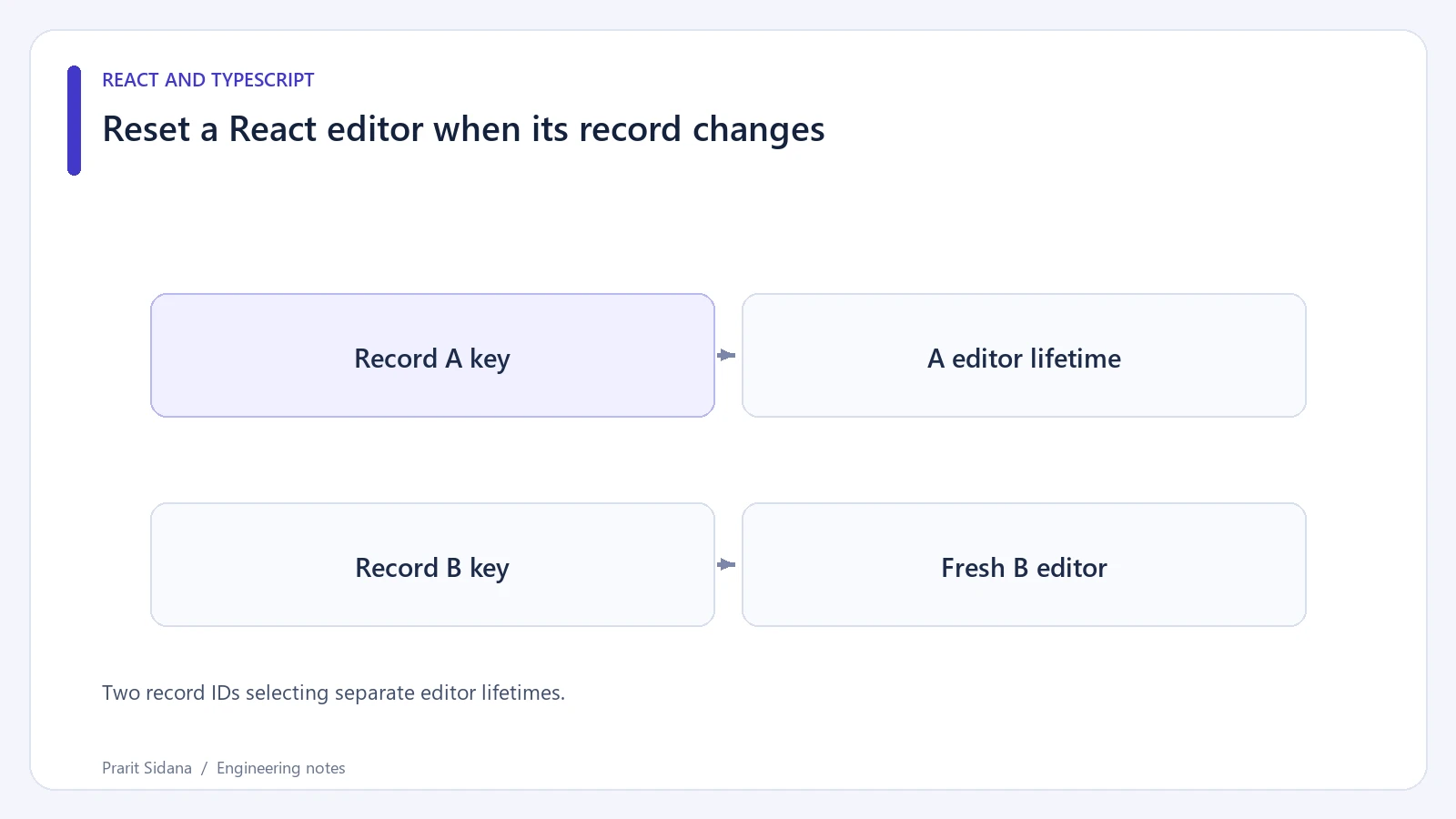
An editor often initializes a draft from a record prop. That initializer runs when React creates the component's state. Passing a different record to the same component position does not automatically recreate its draft.
Suppose a synthetic contact editor opens contact a17, and the user types a new display name. Navigating to contact b22 must follow a deliberate policy: preserve separate drafts, warn about unsaved changes, or discard the previous draft. A record ID can define the component lifetime when discarding is the intended behavior.
function ContactPage({ contact }) {
  return <ContactEditor key={contact.id} contact={contact} />;
}

function ContactEditor({ contact }) {
  const [name, setName] = useState(contact.name);
  return (
    <label>
      Display name
      <input value={name}
        onChange={event => setName(event.target.value)} />
    </label>
  );
}
Import useState from React in the surrounding module. With a different key, React creates a new editor instance with fresh local state. The state preservation documentation describes how component position, type and keys affect this behavior.
Two record IDs selecting separate editor lifetimes.
Choose the boundary carefully
Put the key on the subtree whose state should reset. Keying an entire page can also reset tabs, expanded panels and unrelated filters. Keying the editor alone leaves those surrounding choices intact.
Use a stable record identifier. A random value generated during render would reset the editor on every render and could discard a keystroke immediately. Including a server revision in the key also has consequences: a background refresh could replace the editor and erase unsaved input while the user is typing.
A simple review sequence reveals those problems. Open A, edit the name without saving, switch to B, then return to A. Write down the expected result at each step. Next refresh A's data while staying on A. A stable ID key preserves the draft in that case, so fresh server fields will not automatically replace it.
If drafts must survive navigation, store them above the keyed subtree or in a draft store indexed by record ID. Add explicit save and discard actions. React's state-structure guidance helps distinguish values that can be derived from values that represent an independent user decision.
The key solves an identity problem inside the UI. It does not confirm that a save succeeded, resolve concurrent server edits, or warn before data is lost. Those behaviors need their own application rules and verification.