Return a real 404 for a missing application route
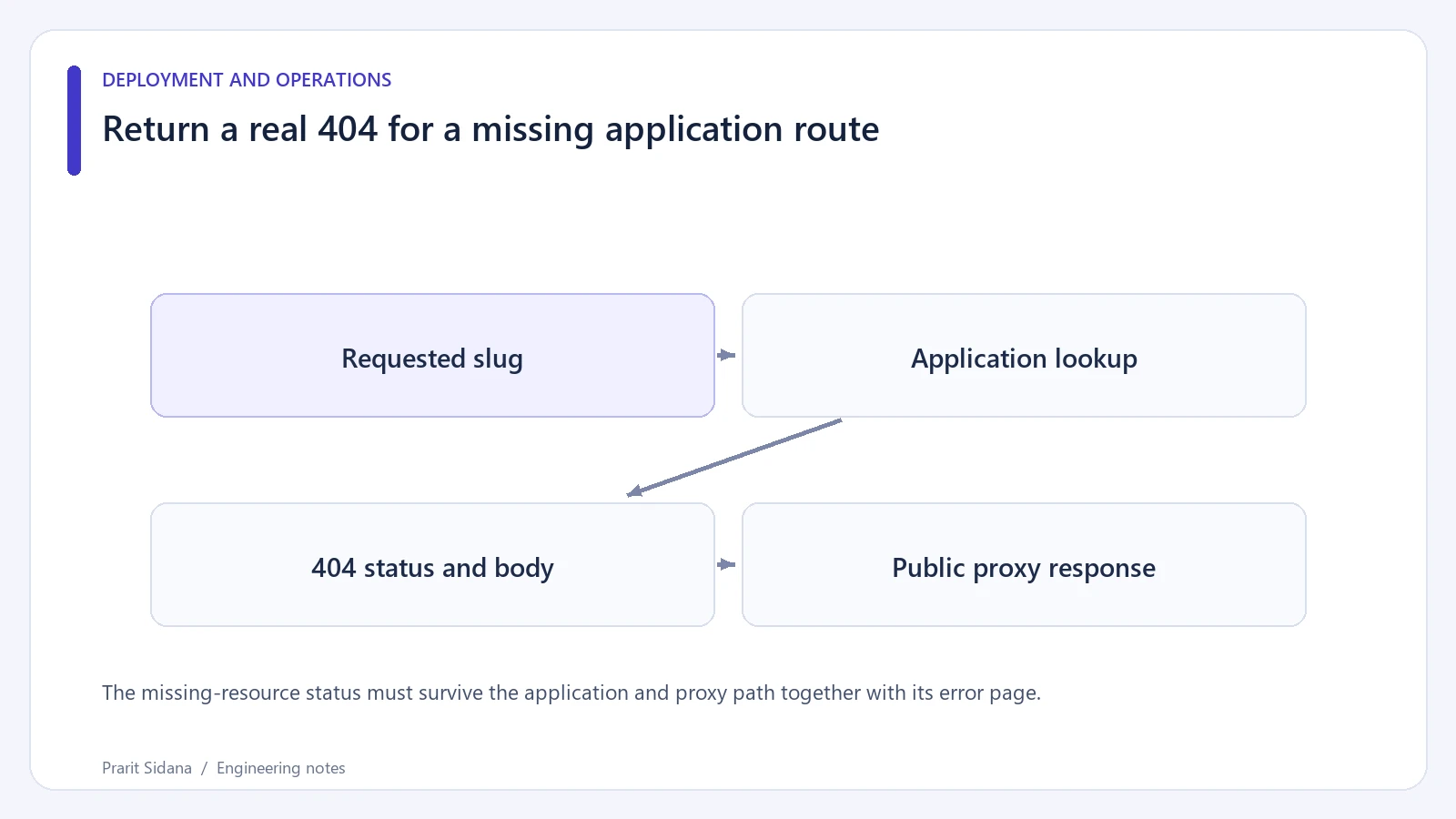
An error screen displayed inside an HTTP 200 response tells the browser and other clients that the request succeeded. For a missing public article, return a real 404 status with the useful error page. Check this at the public route, because frontend rendering and reverse-proxy fallbacks can disagree.
Inspect status and content together
Use a deliberately nonexistent slug in a disposable application. These example commands request a local test route and save the body separately from the response headers.
curl -sS -D missing.headers -o missing.html http://127.0.0.1:8080/blog/definitely-missing
Confirm that the status line is 404 and that the body contains a helpful navigation link. Repeat the request with a browser reload on that exact URL. A client-side transition from an existing page may render the correct error view while a direct request still receives the server's generic success shell.
The missing-resource status must survive the application and proxy path together with its error page.
Follow the response through the proxy
Suppose the application returns 404 but the proxy replaces every error with /index.html and status 200. The missing page now looks successful externally. Compare the upstream response with the public response and inspect error interception or SPA fallback rules. Keep asset requests out of broad document fallbacks as well: a missing JavaScript file should not return an HTML page with a successful status.
RFC 9110 defines 404 in terms of the target resource having no current representation, or the server being unwilling to disclose one. It does not by itself state whether the condition is permanent. Avoid inventing a redirect destination for a deleted page that has no suitable replacement.
Make the check repeatable
Add a route test with a known absent slug and assert the HTTP status. Then add a request through the deployed proxy in staging. Include an ordinary existing route to catch a fallback rule that accidentally breaks all deep links while fixing the missing one.
This article's request command is a diagnostic example and was not executed against a new local web service during authoring. The expected behavior should be verified on the project's actual routing stack. Do not infer the response status from the visible words "page not found" or from a screenshot.
After changing a previously successful missing-route response, review caches that may retain the old result. An updated application test cannot establish what an older CDN response still serves. Reference: HTTP Semantics, 404. Further route diagnostics are available in the engineering blog.