Schedule a maintenance command with a systemd timer
A scheduled maintenance command needs a visible exit status and a place to inspect its output. On a Linux host that uses systemd, a service unit can describe the command while a timer unit describes when to start it. Keep the command harmless during the first scheduling exercise.
Pair the service and timer
This example writes the current time to the journal. The names demo-maintenance.service and demo-maintenance.timer intentionally match. Check the path to date on the target host before using this configuration.
# demo-maintenance.service
[Unit]
Description=Disposable maintenance timer example
[Service]
Type=oneshot
ExecStart=/usr/bin/date --iso-8601=seconds
# demo-maintenance.timer
[Unit]
Description=Run the disposable maintenance example
[Timer]
OnCalendar=hourly
Persistent=true
[Install]
WantedBy=timers.target
The timer documentation describes Persistent=true as a way for calendar timers to catch up after inactivity. It does not mean replaying every missed hourly invocation. Avoid treating a timer's schedule as proof that the underlying task succeeded.
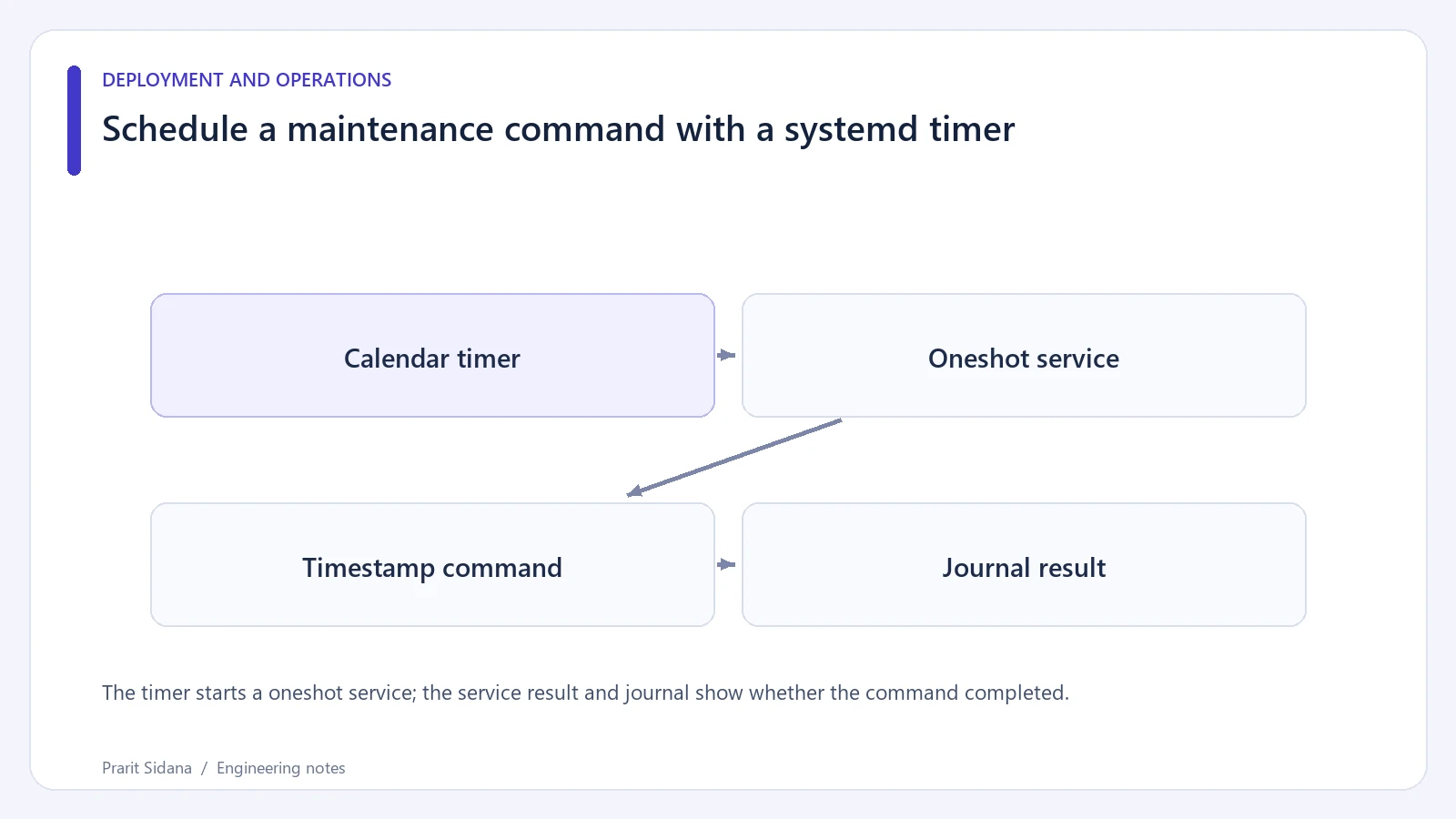
The timer starts a oneshot service; the service result and journal show whether the command completed.
Observe a test activation
Place a reviewed copy on a disposable Linux machine, validate the unit files, and start the service once manually. Inspect its result and journal output before enabling the timer. Then list the timer's next activation and check the timezone that the host uses. A calendar expression copied between hosts can fire at an unexpected local time.
These units were reviewed against the systemd timer documentation. They were not installed or activated during authoring, which occurred in a Windows environment without systemd. The example does not create an automation in the portfolio or alter a user's server schedule.
Decide how long runs behave
Use a bounded maintenance command with explicit failure handling. If a service remains active, a timer does not automatically create another simultaneous instance of that same service. That is useful protection, but any separate manual command or alternate unit can still overlap its work. A shared lock may be appropriate when several entry points can touch the same files.
For a real maintenance job, identify the execution user, working directory and accessible paths. Run it with only the permissions it needs, and record where a failure will be noticed. Inspecting the last successful activation is different from checking that the next activation is scheduled. Reference: systemd.timer.