Schedule Celery Beat jobs in a declared timezone
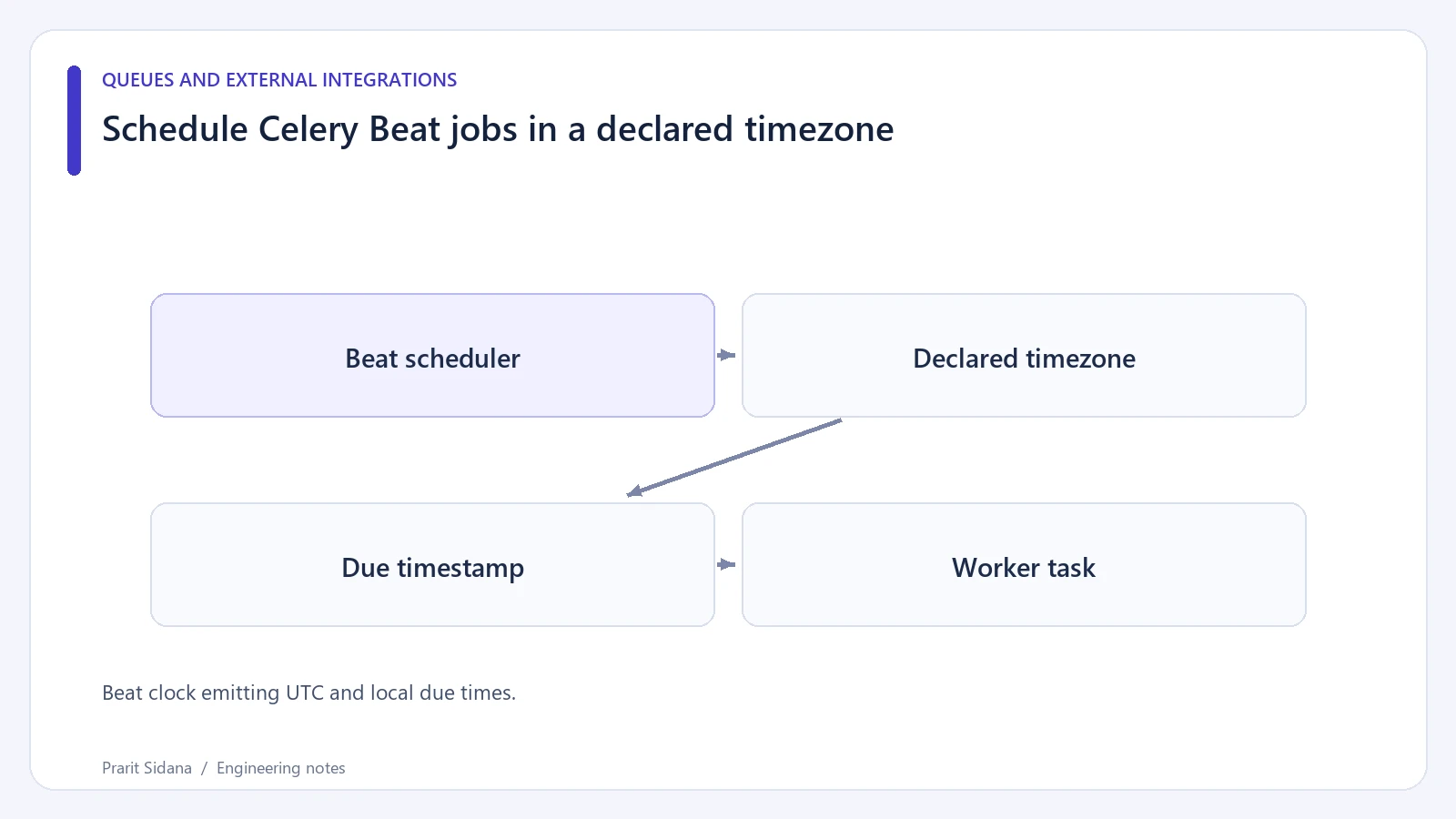
A periodic job configured for nine in the morning needs a declared timezone. The server's local clock, Django's display timezone and Celery's scheduler configuration can otherwise lead an operator to expect different run times.
Beat clock emitting UTC and local due times.
Declare the schedule in one place
For a toy Celery application using direct configuration:
from celery import Celery
from celery.schedules import crontab

app = Celery("fixture")
app.conf.timezone = "Asia/Kolkata"
app.conf.enable_utc = True
app.conf.beat_schedule = {
    "morning-summary": {
        "task": "fixture.tasks.prepare_summary",
        "schedule": crontab(hour=9, minute=0),
        "args": (),
    }
}
This schedules a named task according to the configured scheduler timezone. It does not define the task itself or launch a worker. The task module must register the exact name and be imported by the worker.
A Django integration may load settings through a namespace such as CELERY. In that arrangement, use the matching names consistently rather than mixing direct assignments and namespaced settings without checking which takes precedence.
Log both the intended occurrence and the observed enqueue time in a timezone-aware format. The timestamp helps distinguish "scheduler ran late" from "worker received the task but had no free slot."
Control the scheduler's lifetime
Run one active scheduler for a given schedule unless the selected scheduler implementation explicitly coordinates leadership. Two independent Beat processes can publish the same periodic work. Worker deduplication is still useful, but it should not conceal an accidental duplicate scheduler deployment.
Changing timezone configuration can also require resetting scheduler state, depending on the scheduler backend. Check the selected backend's documented behavior and rehearse the change with disposable state.
Asia/Kolkata avoids daylight-saving ambiguity in this example. If the product selects a zone that changes its clocks, define how the intended local occurrence behaves during skipped or repeated hours and test those transitions. A short timer interval is not a substitute for that policy.
Do not infer actual completion from a scheduler heartbeat or an enqueue log alone. For publishing systems, a useful architecture is often a periodic "find due records" task plus durable per-record intended timestamps. That separates scheduler ticks from the business schedule and supports reconciliation if a tick is missed.
Postzyo provides related scheduling context. Celery's periodic-task guide documents timezone settings and scheduler constraints.