Set proxy timeouts for a streamed API response
A streamed response can remain useful for several minutes while sending small updates. A proxy that buffers those updates can make the browser look idle, and a long pause between upstream writes can close the connection. Diagnose buffering and idle timeouts separately before changing a timeout value.
Isolate a streaming route
The following Nginx location is a configuration example for a local upstream. It assumes the application already emits valid streaming responses and flushes them. It was not executed against Nginx during authoring.
location /events/ {
    proxy_pass http://127.0.0.1:8097;
    proxy_buffering off;
    proxy_read_timeout 75s;
}
According to Nginx's proxy module documentation, proxy_read_timeout limits the interval between successive upstream read operations. It is not a total response-duration budget. Turning buffering off also does not force an application framework or a second proxy to flush its own buffers.
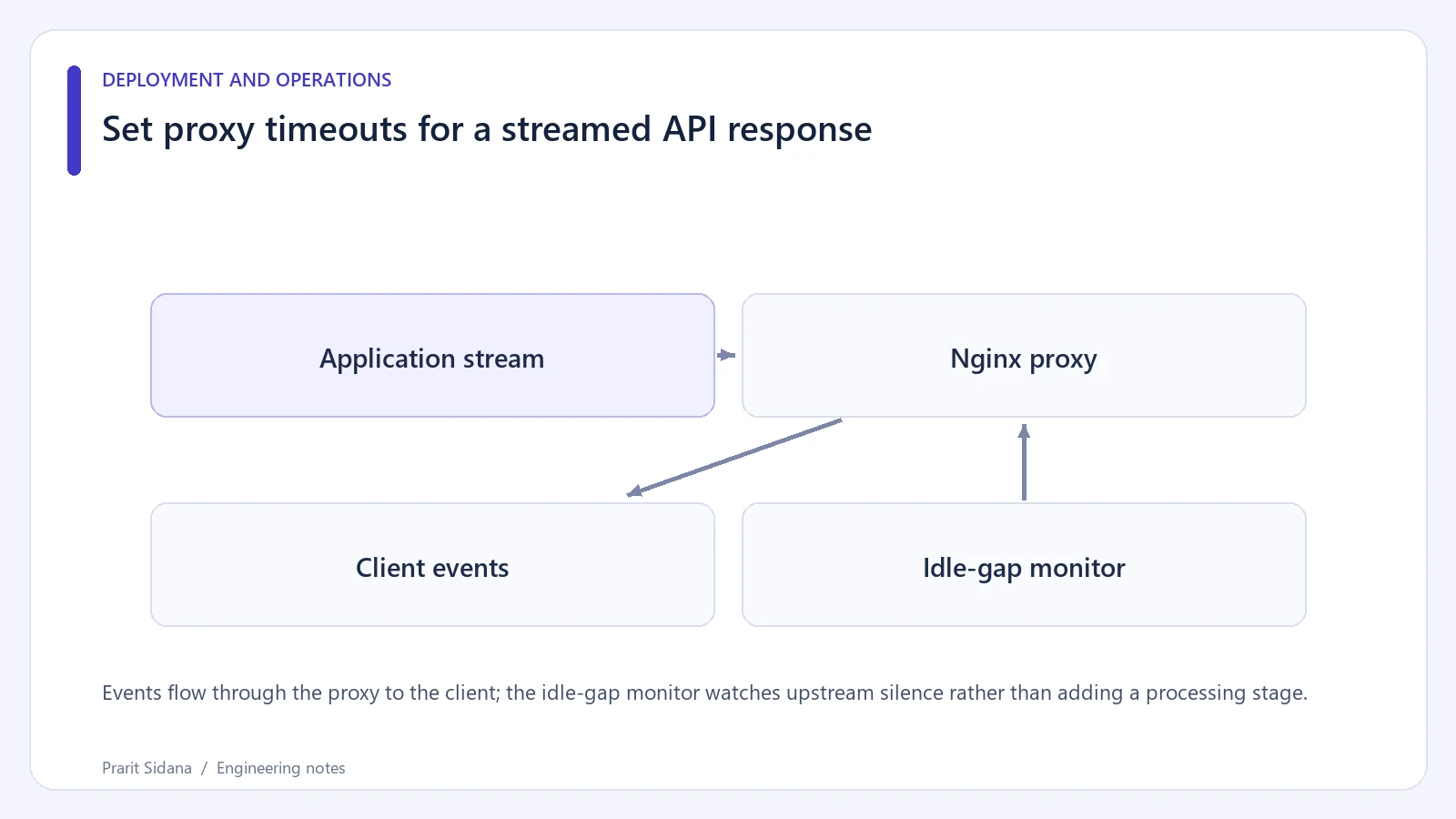
Events flow through the proxy to the client; the idle-gap monitor watches upstream silence rather than adding a processing stage.
Compare upstream and proxied observations
Create a disposable endpoint that emits a numbered event every two seconds, then intentionally waits longer than the selected idle interval. Request the upstream directly and through Nginx with a client that displays chunks as they arrive, such as curl -N. Record arrival timestamps instead of relying on when a browser spinner disappears.
If the direct request receives individual events but the proxied request receives a group at the end, inspect buffering and compression along the route. If both remain silent, inspect the application's response generator. When the connection closes only during the intentional pause, compare that gap with each layer's timeout, including any load balancer in front of Nginx.
Bound the work behind the stream
Increasing an idle timeout allows a connection to occupy resources longer. Limit concurrent streams and define what happens when a client disconnects. A background job may continue after the browser goes away, so decide whether the stream merely observes a job or owns its lifetime.
Heartbeats can keep an otherwise idle stream active, but they must remain valid for the response protocol. Do not inject arbitrary text into a binary download or a JSON document. Test reconnection and duplicate event handling when the consumer resumes after a failure. None of these settings provides exactly-once delivery.
Keep ordinary API routes on their existing settings while testing the dedicated stream. Changing a global timeout can conceal slow unrelated handlers. Reference: Nginx proxy module. More application diagnostics are collected in the engineering blog.