Show field errors accessibly in a React form
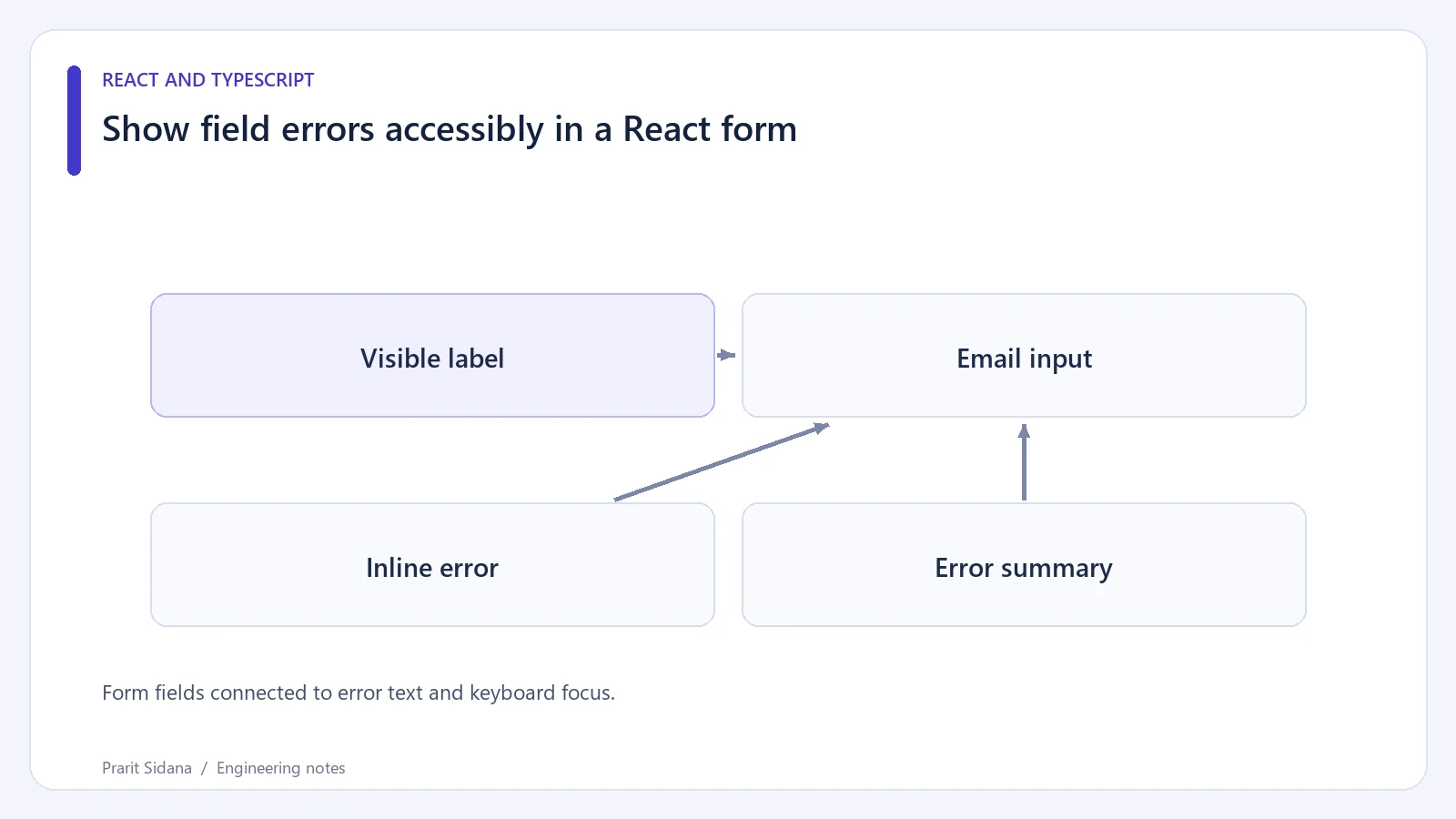
A field error needs to explain the correction and remain connected to the input it describes. Red text alone loses meaning for someone who cannot distinguish the color or who navigates the form with a screen reader.
For a synthetic contact form, give the email field a visible label and associate its error message by ID:
<label htmlFor="contact-email">Email address</label>
<input id="contact-email" name="email" type="email"
  aria-invalid={emailError ? true : undefined}
  aria-describedby={emailError ? "email-error" : undefined} />
{emailError && (
  <p id="email-error">Enter an email address with an @ sign.</p>
)}
This excerpt assumes the component computes emailError from its validation result. The exact message should reflect the actual validation rule. WAI's form notification guidance covers identifying errors and helping users locate them.
Form fields connected to error text and keyboard focus.
Make submission errors reachable
A long form can fail in several places outside the current viewport. On an unsuccessful submit, place an error summary above the fields and move focus to it after React renders the errors. Give the summary a tabIndex={-1} so code can focus it without adding another normal tab stop.
The summary should name the affected fields and link to their controls. "There are two errors" provides a count, but "Email address: enter a valid address" gives a useful destination and correction. Keep the entered values so the user can repair them.
Choose an announcement strategy carefully. Moving focus to the summary and adding an assertive live region to the same text can produce duplicate announcements. Test the resulting interaction with the supported browser and screen-reader combinations.
Inline errors should remain visible until the problem is corrected or validation runs again under a clear policy. Revalidating every keystroke can announce errors before the user finishes typing. Validation on blur or submission may be less disruptive, depending on the field.
Include failures beyond field validation
A server outage is not an invalid email address. Display a form-level explanation and a retry option without setting unrelated fields invalid. If a server rejects a value for a rule the browser did not know, attach that response to the correct field and retain the user's input.
Try submitting with the keyboard, following each summary link, correcting one field and submitting again. Check focus placement after both failure and success. Automated checks can catch missing associations, but they cannot confirm that the messages are understandable or announced at a useful moment.
Client validation helps the user finish the form. The server still validates every submitted value and enforces authorization before saving it.