Stream a large text transformation without reading the whole file
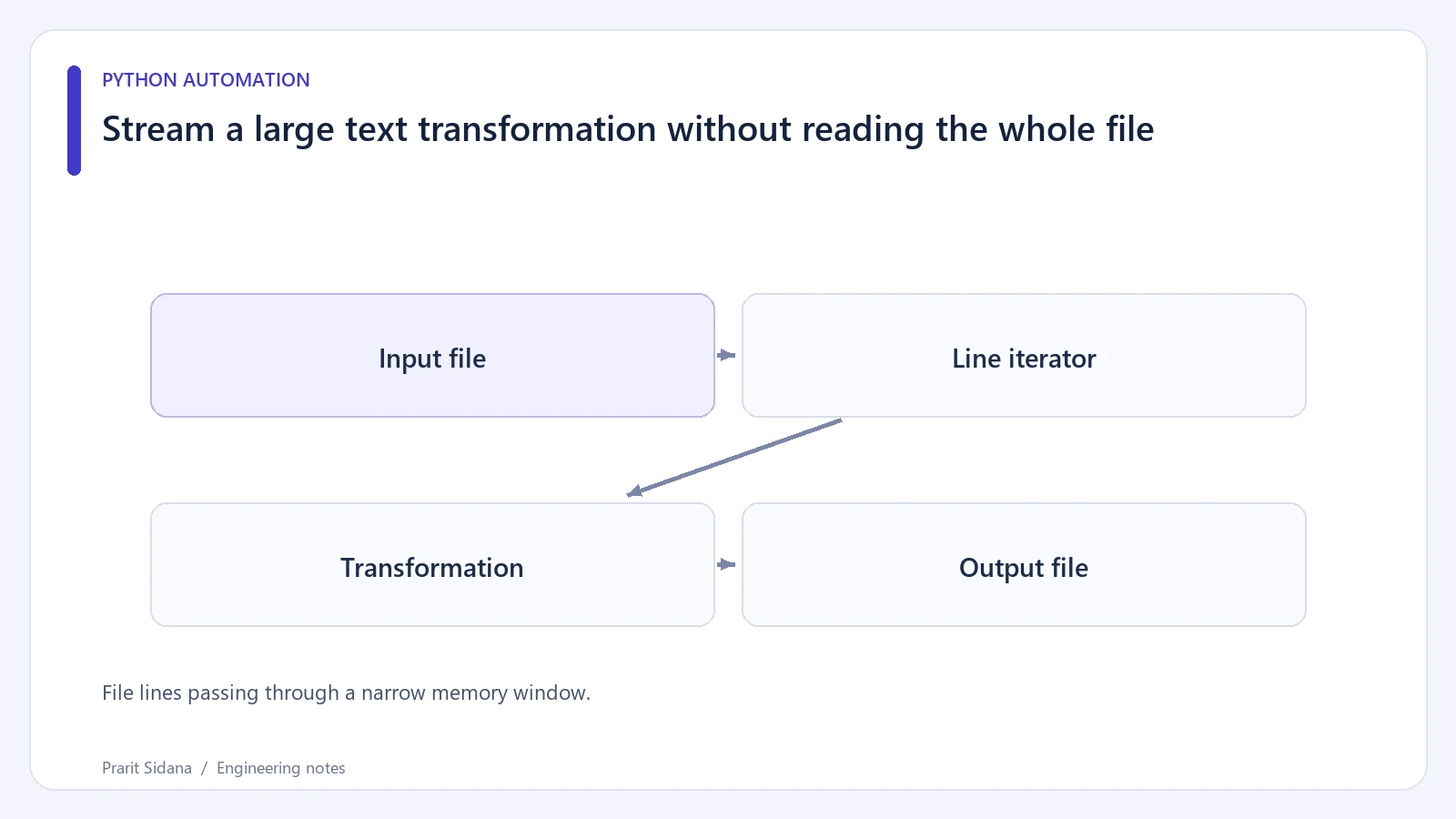
A text transformation can work on a small sample and exhaust memory on a larger file if it begins with read_text(). For a line-oriented format, iterate over the input and write each transformed record as it becomes available.
File lines passing through a narrow memory window.
State the input format first
This example normalizes a synthetic one-event-per-line log. It is suitable only when one logical record occupies one physical line.
from pathlib import Path

def normalize(source, destination):
    source = Path(source).resolve()
    destination = Path(destination).resolve()
    if source == destination:
        raise ValueError("source and destination must differ")

    count = 0
    with source.open("r", encoding="utf-8") as incoming:
        with destination.open("w", encoding="utf-8", newline="\n") as outgoing:
            for line in incoming:
                cleaned = line.rstrip("\r\n").strip()
                if cleaned:
                    outgoing.write(cleaned + "\n")
                    count += 1
    return count
The function never collects every line into a list. It still holds the current line and the transformed string in memory. A file containing one enormous line can therefore use substantial memory. If records can be arbitrarily large, a record-size limit or chunk-based parser is part of the design.
The source/destination check catches the common mistake of overwriting the same resolved path. It does not detect every filesystem alias, such as distinct hard links. For a general file utility, consider a stronger same-file check when both paths exist.
Verify content, not only completion
Build a fixture with blank lines, surrounding whitespace and a final line without a newline. Compare the entire destination text with the expected normalized result. Add a non-ASCII value to verify the chosen encoding.
Be deliberate about malformed input. The default UTF-8 decoder raises an error on invalid bytes. Using errors="ignore" would silently discard data, so it should be an explicit format decision supported by requirements.
The example writes directly to its destination. If it fails halfway, that output remains partial. Combine this transformation with a temporary-file-and-replace approach when consumers need the last complete result. Also avoid reading from a file another process is still appending unless the workflow defines where the input ends.
A streaming rewrite can reduce retained data without proving a specific memory or speed improvement. Measure those properties using a representative fixture if they influence deployment capacity.
Postzyo provides related automation context. The pathlib file interfaces support the explicit path and encoding handling shown here.