Validate file uploads at the Django boundary
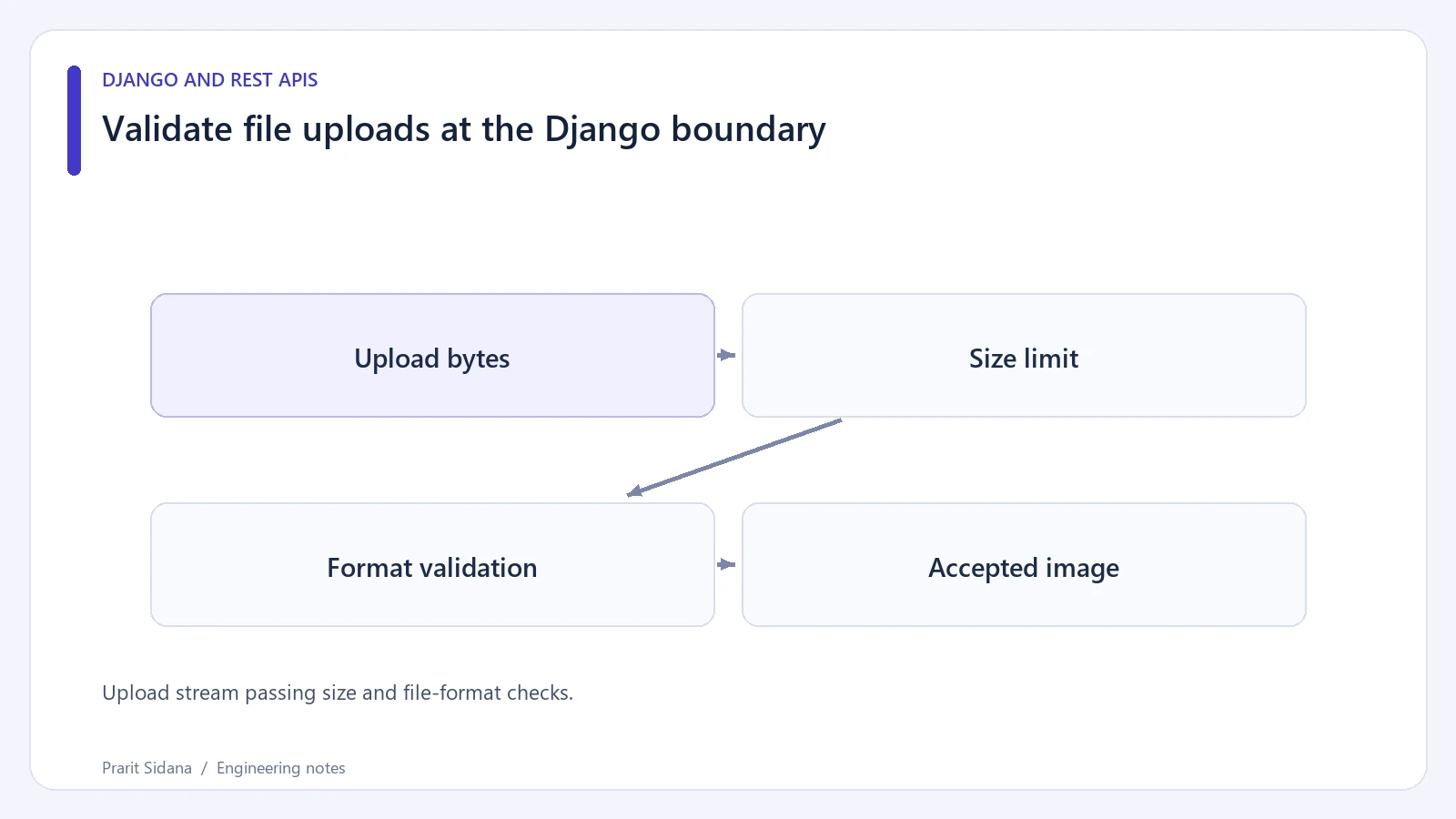
An uploaded filename and Content-Type header come from the client. Treat them as hints, then enforce the application's accepted size and decoded image formats before storing a file in its public media area.
Upload stream passing size and file-format checks.
Validate through an image field
This Django form accepts a small avatar. ImageField requires Pillow; the surrounding view must bind request.FILES and be authenticated according to the application's upload policy.
from django import forms

class AvatarUpload(forms.Form):
    image = forms.ImageField()

    def clean_image(self):
        upload = self.cleaned_data["image"]
        if upload.size > 2 * 1024 * 1024:
            raise forms.ValidationError("Maximum upload size is 2 MiB")

        decoded = upload.image
        if decoded.format not in {"PNG", "JPEG"}:
            raise forms.ValidationError("Use a PNG or JPEG image")
        if decoded.width > 4096 or decoded.height > 4096:
            raise forms.ValidationError("Image dimensions are too large")
        return upload
The byte and dimension limits here are example product choices. An ImageField validates the file through an image parser; it does not trust a ".jpg" extension alone. The explicit format allowlist keeps the accepted output narrower than every format the parser might recognize.
A view would construct AvatarUpload(request.POST, request.FILES), check is_valid() and pass only the cleaned upload to its storage workflow. Use a server-generated storage name, with a matching extension chosen from the accepted format, rather than treating the client filename as a path.
Enforce limits at more than one layer
The form's size check runs after the upload reaches the application. Configure request limits and appropriate upload handlers so a much larger request cannot consume unacceptable memory, disk or worker time before form validation begins.
Image parsing also consumes resources. Decoder protections, dependency updates and limits on pixel dimensions matter even when compressed bytes are small. A successful parser check is not a malware scan or a complete content-safety assessment.
Test an authored PNG fixture, a text file renamed to ".png", an oversized file and a supported image with rejected dimensions. Assert no rejected upload is published or left in the final media location. If temporary storage is used, check cleanup separately.
Public delivery should use a safe media configuration and content type. A server should not execute an uploaded file based on its extension.
The upload workflows in Nirogidhara provide related context. Django documents file uploads and ImageField validation.