Write a Python export atomically when a job can stop halfway
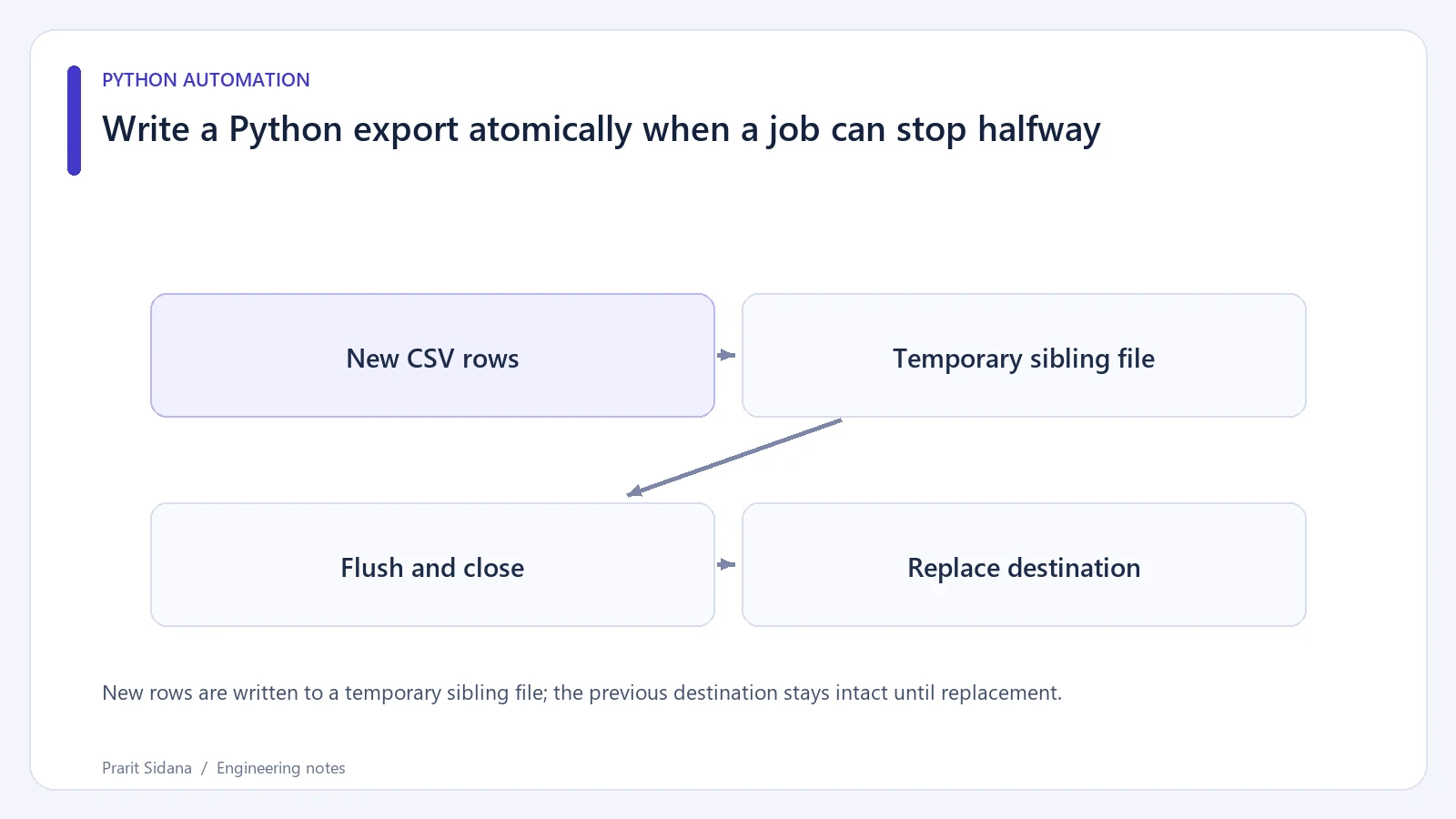
Opening the destination CSV with write mode truncates the old file immediately. If a scheduled export then fails on row 500, readers see an incomplete result. Write to a temporary sibling file, close it and replace the destination only after the export succeeds.
New rows are written to a temporary sibling file; the previous destination stays intact until replacement.
Write beside the destination
This Python example uses synthetic records. The destination directory must already exist.
import csv
import os
import tempfile
from pathlib import Path

def export_csv(destination, rows):
    destination = Path(destination)
    temporary = None
    try:
        with tempfile.NamedTemporaryFile(
            mode="w", encoding="utf-8", newline="",
            dir=destination.parent,
            prefix=f".{destination.name}.",
            suffix=".tmp", delete=False,
        ) as handle:
            temporary = Path(handle.name)
            writer = csv.writer(handle)
            writer.writerow(["id", "status"])
            writer.writerows(rows)
            handle.flush()
            os.fsync(handle.fileno())
        os.replace(temporary, destination)
    finally:
        if temporary is not None:
            temporary.unlink(missing_ok=True)
The temporary file lives in the same directory so replacement stays on the destination filesystem. Closing the handle before replacement also avoids keeping the temporary file open during the rename, which matters on Windows.
The cleanup path handles an ordinary exception during writing. A forcibly terminated process can leave the temporary file behind. Its dot-prefixed, distinct name helps keep it separate from the published export; a later maintenance job can remove old temporary files after checking their ownership and age.
Exercise the failure path
Create an old destination containing a recognizable marker. Pass an iterator that yields one row and then raises an exception:
def broken_rows():
    yield (1, "ready")
    raise RuntimeError("synthetic export failure")
After catching that exception, read the destination and confirm the original marker remains. Then run a successful export and confirm the new header and rows replace it. Include a field containing a comma to check CSV quoting.
This pattern protects the visible replacement step. It does not coordinate two exporters: whichever replacement finishes last can win. Use a separate scheduling or locking policy when concurrent writers are possible. File replacement also does not establish that a multi-file export is consistent as a group.
Filesystem durability after power loss depends on the filesystem and operating system. Flushing the temporary file is useful, but claiming a crash-proof transaction would require stronger platform-specific guarantees.
The scheduled workflows in Postzyo provide related application context. See Python's temporary-file API and replacement operation for exact platform behavior.